Coolfire Core is work management software built for fast-moving field operations. Teams across logistics, telecommunications, field service, and government use it to coordinate tasks, workflows, and real-time communication across HQ and the field. Delivery Workflow was built to give those teams a dedicated end-to-end routing experience. One that didn't exist before.
Company
Coolfire Solutions
Year
2023
Platform
Mobile + Desktop Feature
Role
Product Design • UX/UI
Scope of work
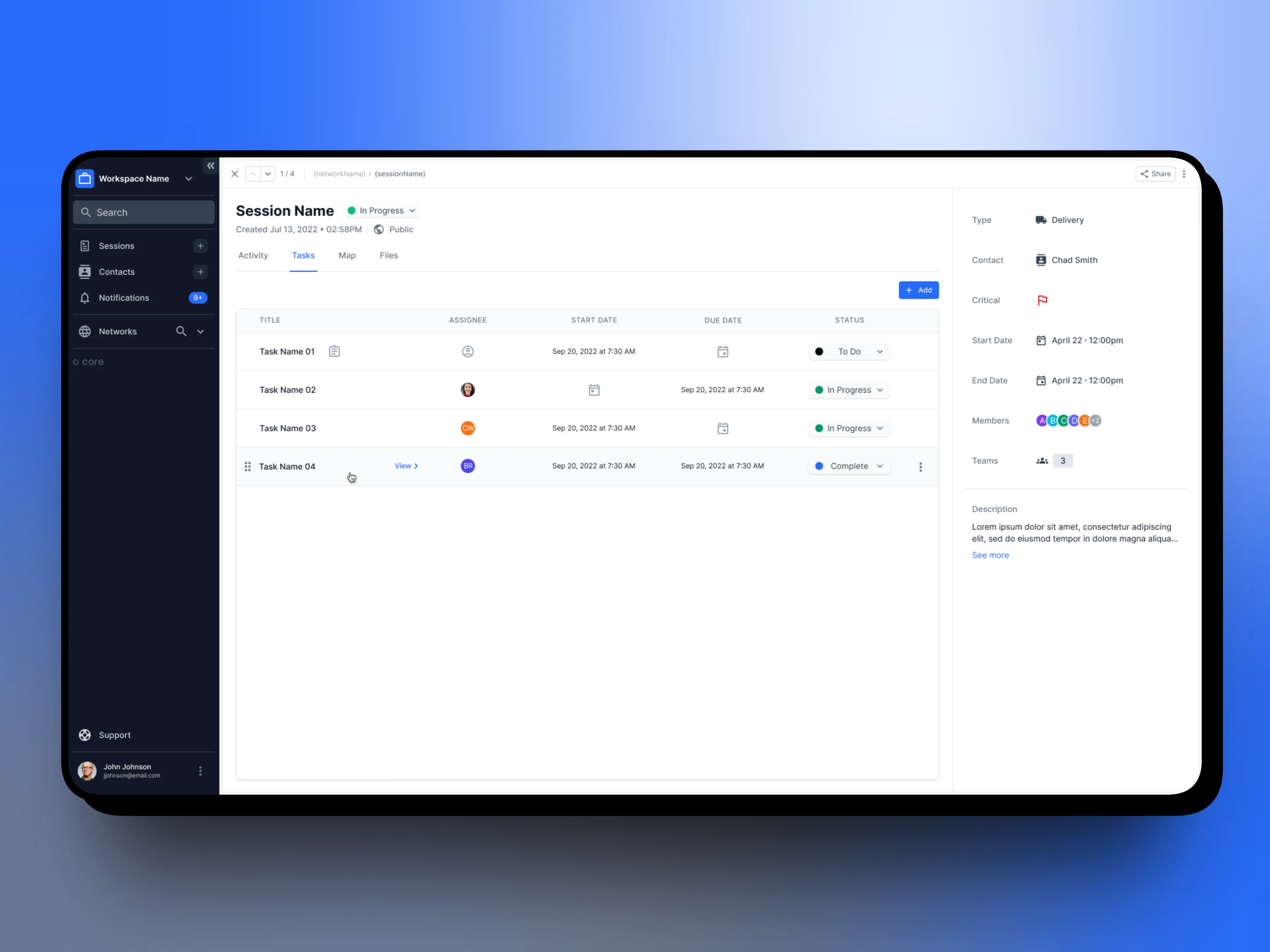
Dispatcher dashboard showing the session-based workaround customers were using before Delivery Workflow existed.
My Role
I was one of two designers on this project, working closely across both platforms. My focus leaned toward the desktop dispatcher experience. The route builder, stop management, and the HQ-side of the workflow, while collaborating closely on the mobile driver experience to ensure the two platforms felt like one connected system. The work also included route settings and configuration, giving users control over how the delivery workflow behaved before a single route was built.
The work required alignment across product, engineering, and customer success from the start. The delivery workflow touched existing product architecture in ways that needed careful coordination. We weren't just designing new screens, we were introducing a new route type that had implications across the entire platform.
Every decision on desktop had a downstream effect on mobile. Keeping both experiences in sync meant constant communication between design, dev, and the people who understood how customers were actually trying to use the product.
Two platforms. Two users. One workflow that had to feel seamless across both.
01
Designers on the project
02
Concept to beta release
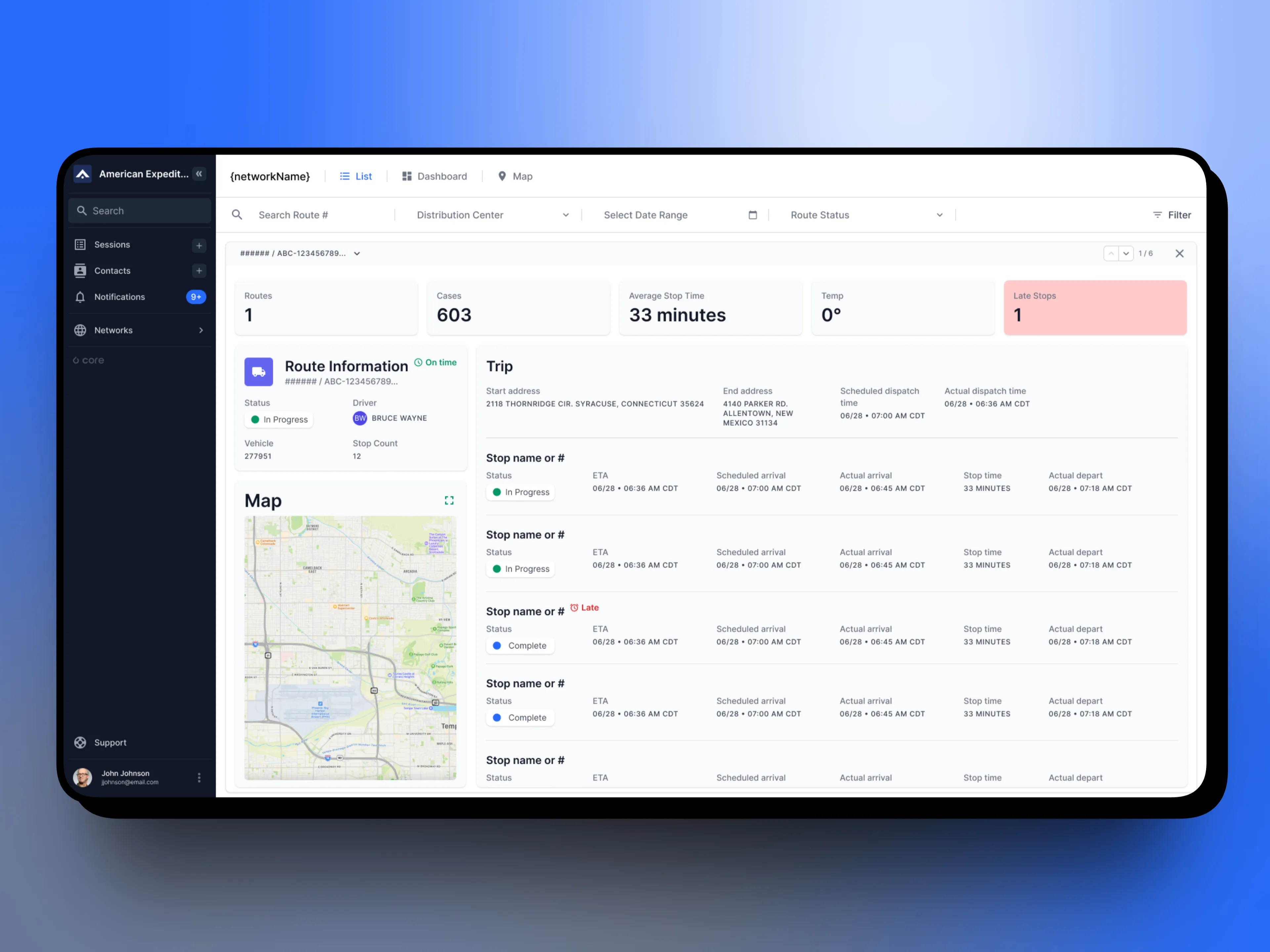
Desktop route builder with stop sequencing and delivery details.
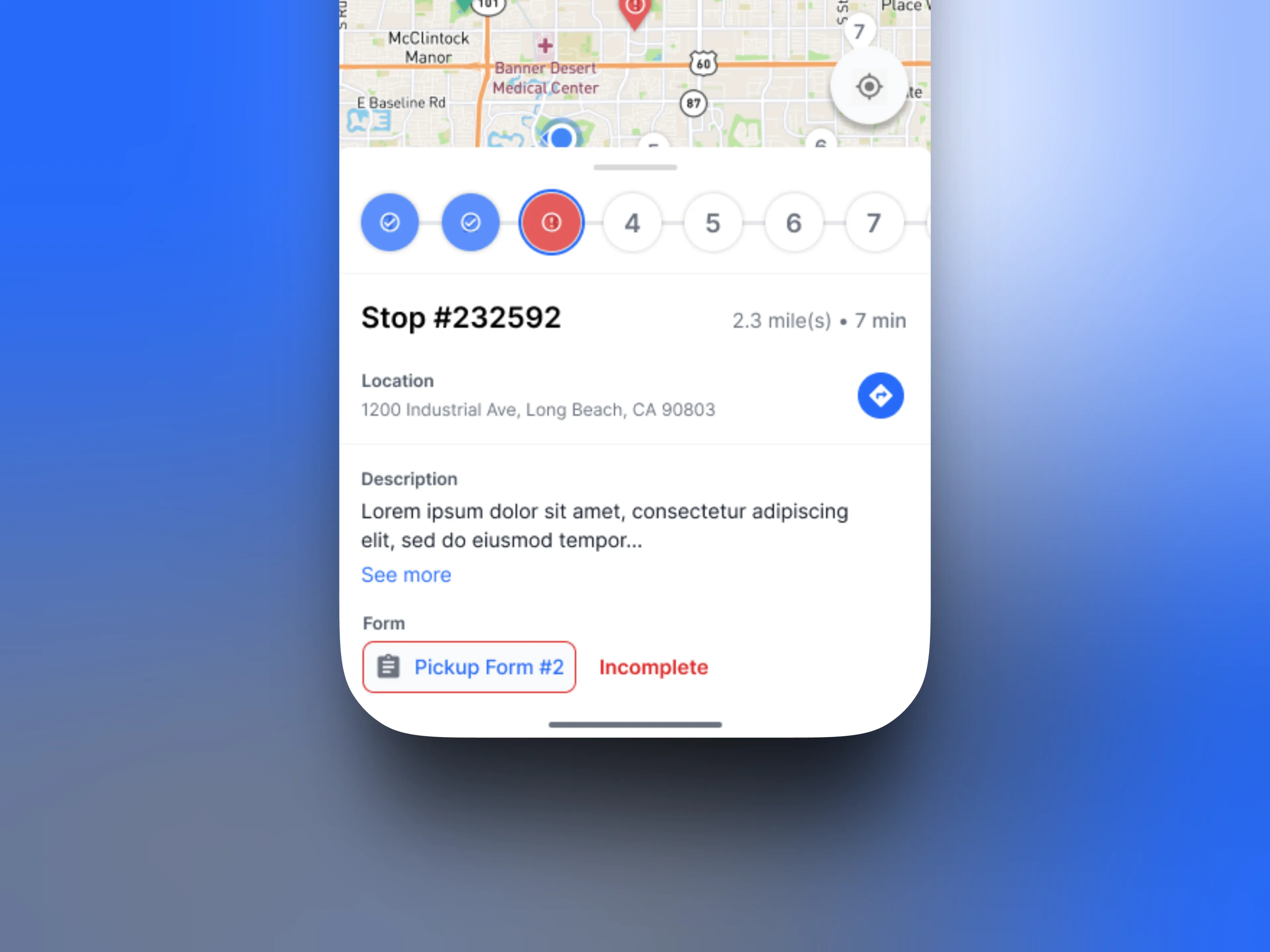
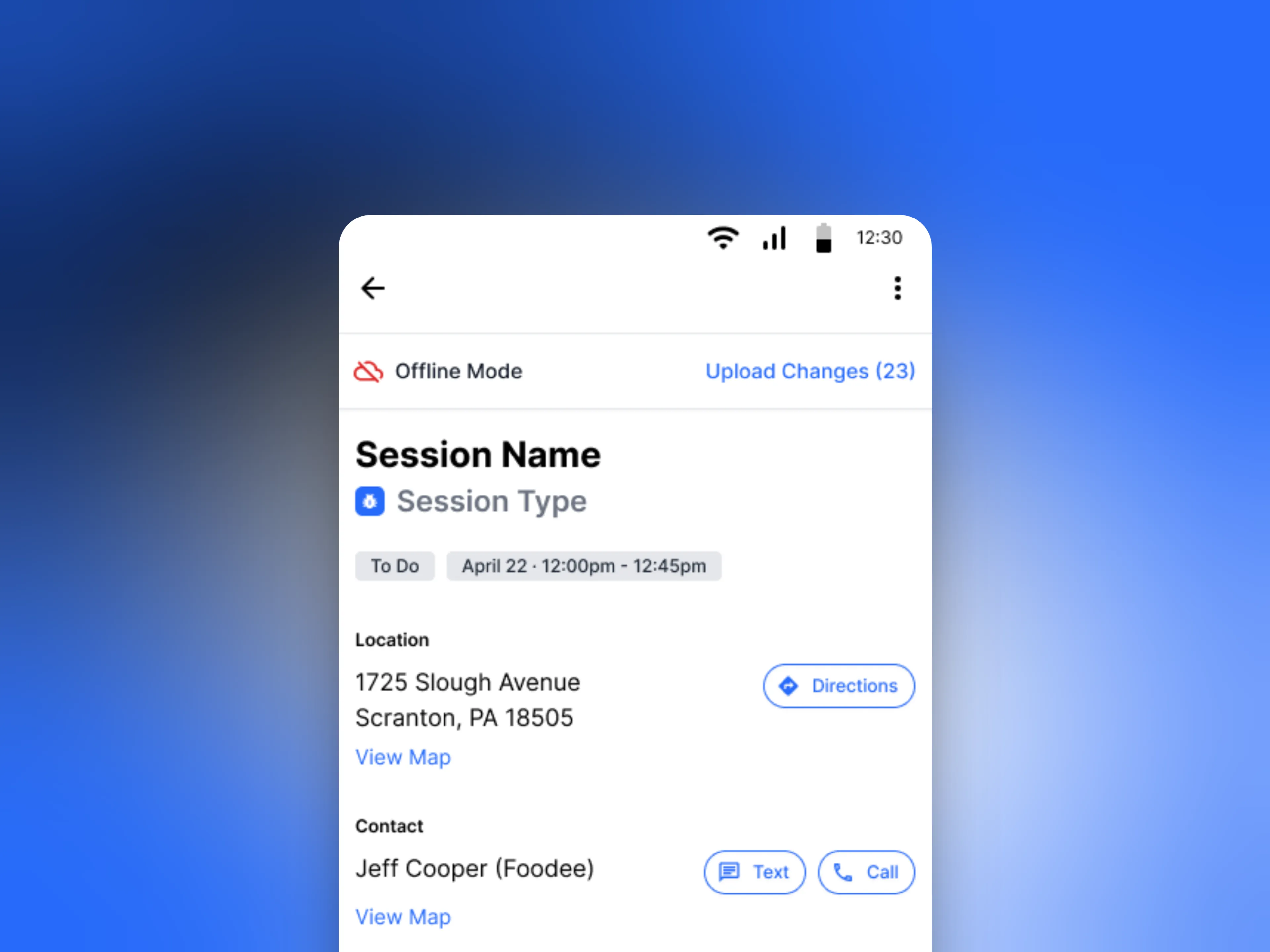
Mobile stop view showing route progression and an incomplete form.
Delivery Workflow touched every part of the product. Getting it right meant staying close to the people who understood the technology, the customers, and the work itself.
Principles first
Good design doesn't start with screens. It starts with understanding the problem well enough that the right solution becomes obvious.

Building a Route
Dispatchers start by creating a delivery route. A new dedicated route type built specifically for this workflow. Stop management, sequencing, and delivery details are all handled in the desktop builder before a driver ever touches their phone. An optimized stop order suggestion takes the guesswork out of sequencing, and route settings give dispatchers control over how the workflow behaves. Everything a driver needs is defined and organized at HQ before the route goes live.
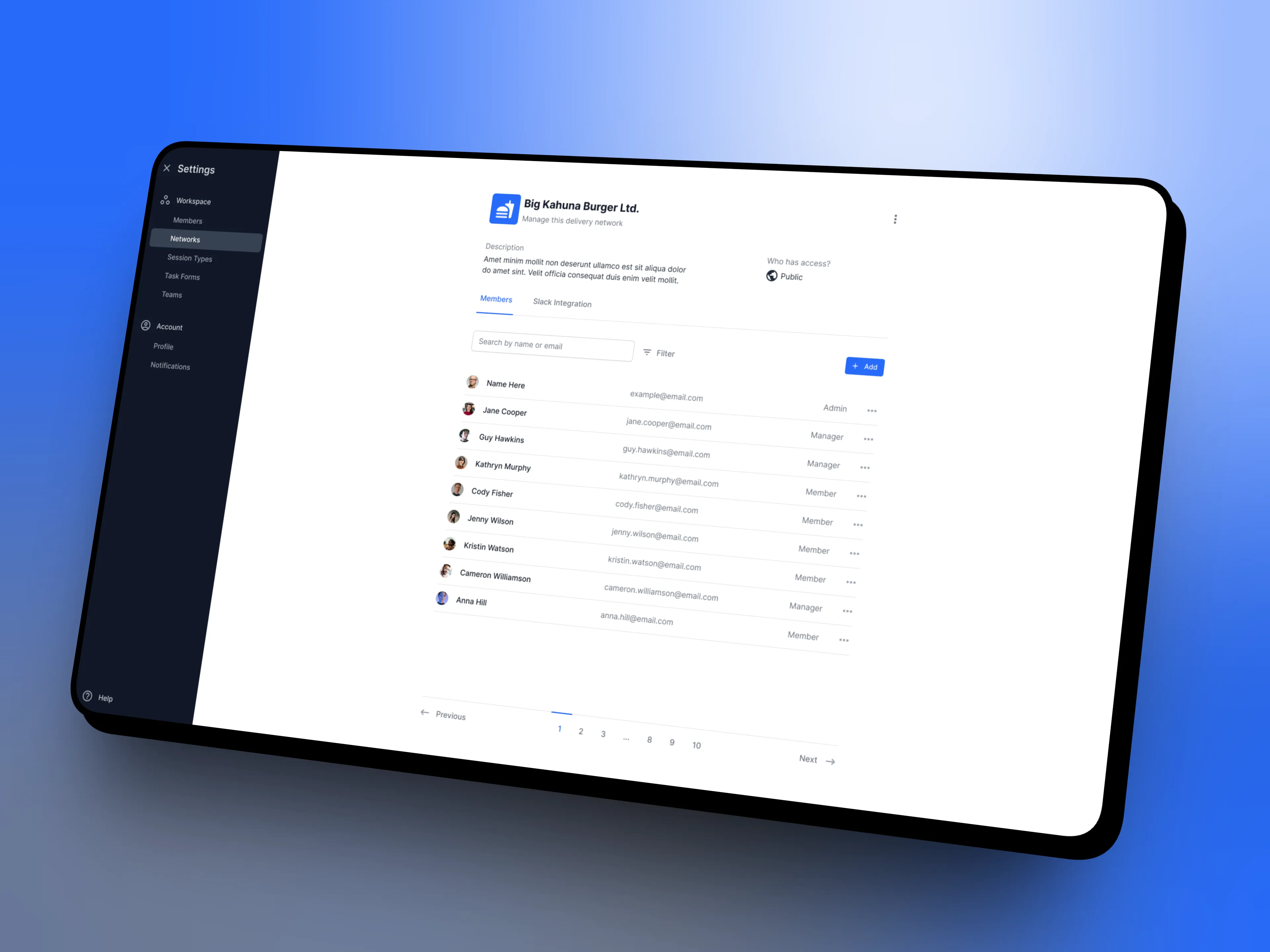
Route settings giving dispatchers control over workflow behavior.
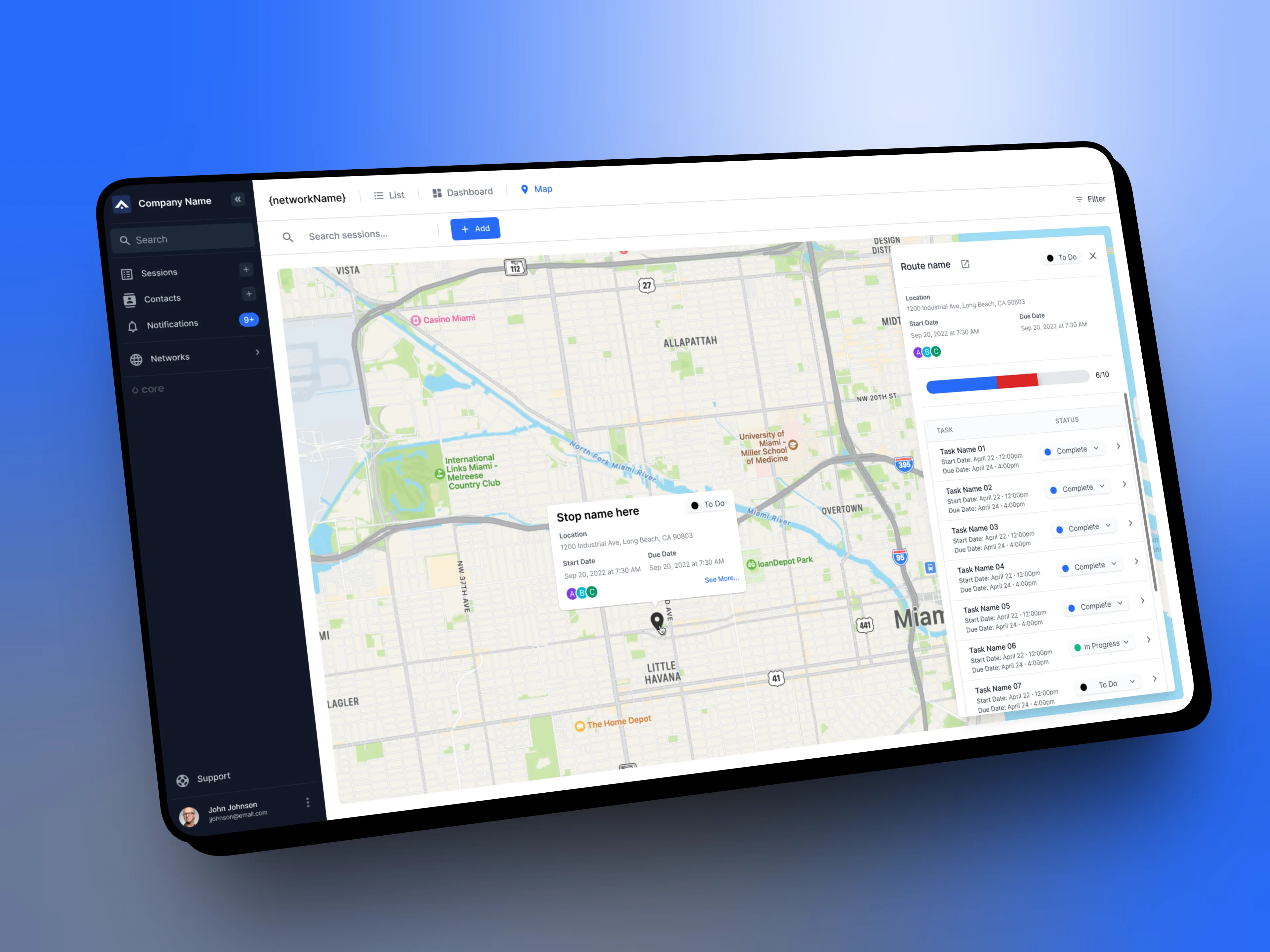
Route builder with stops plotted and optimized sequencing suggested.
Executing a Route
On mobile, drivers get a clear, step-based experience built around the reality of being behind the wheel. A stop card layered over the map surfaces the most critical information first, location, delivery details, distance, and time, with deeper content accessible without cluttering the primary view. Form completion, photo capture, and signature collection are embedded inline at each stop. If a stop needs to be skipped, the workflow handles it cleanly without breaking the sequence or losing any associated data.
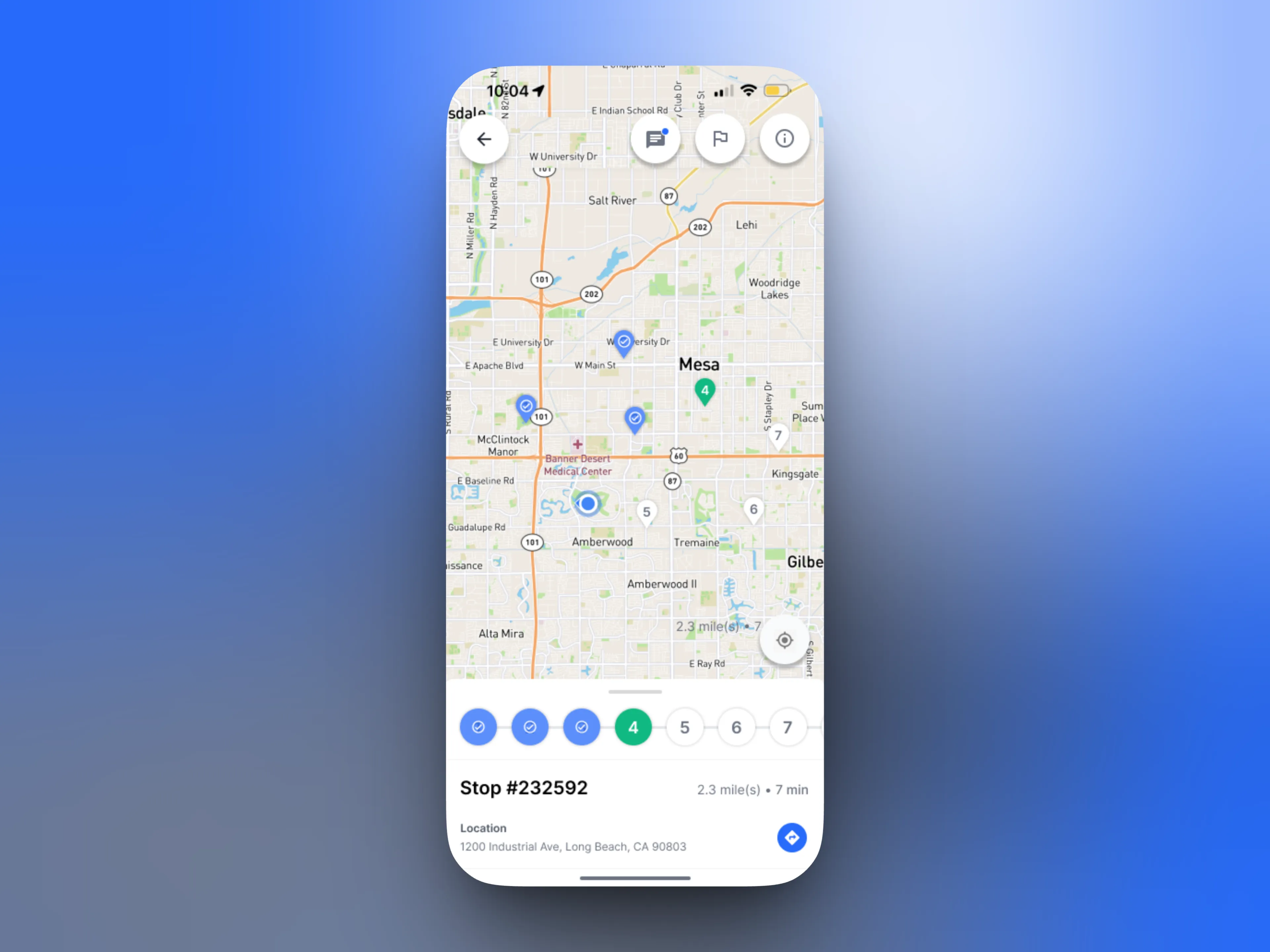
Stop card layered over map with delivery details and distance visible.
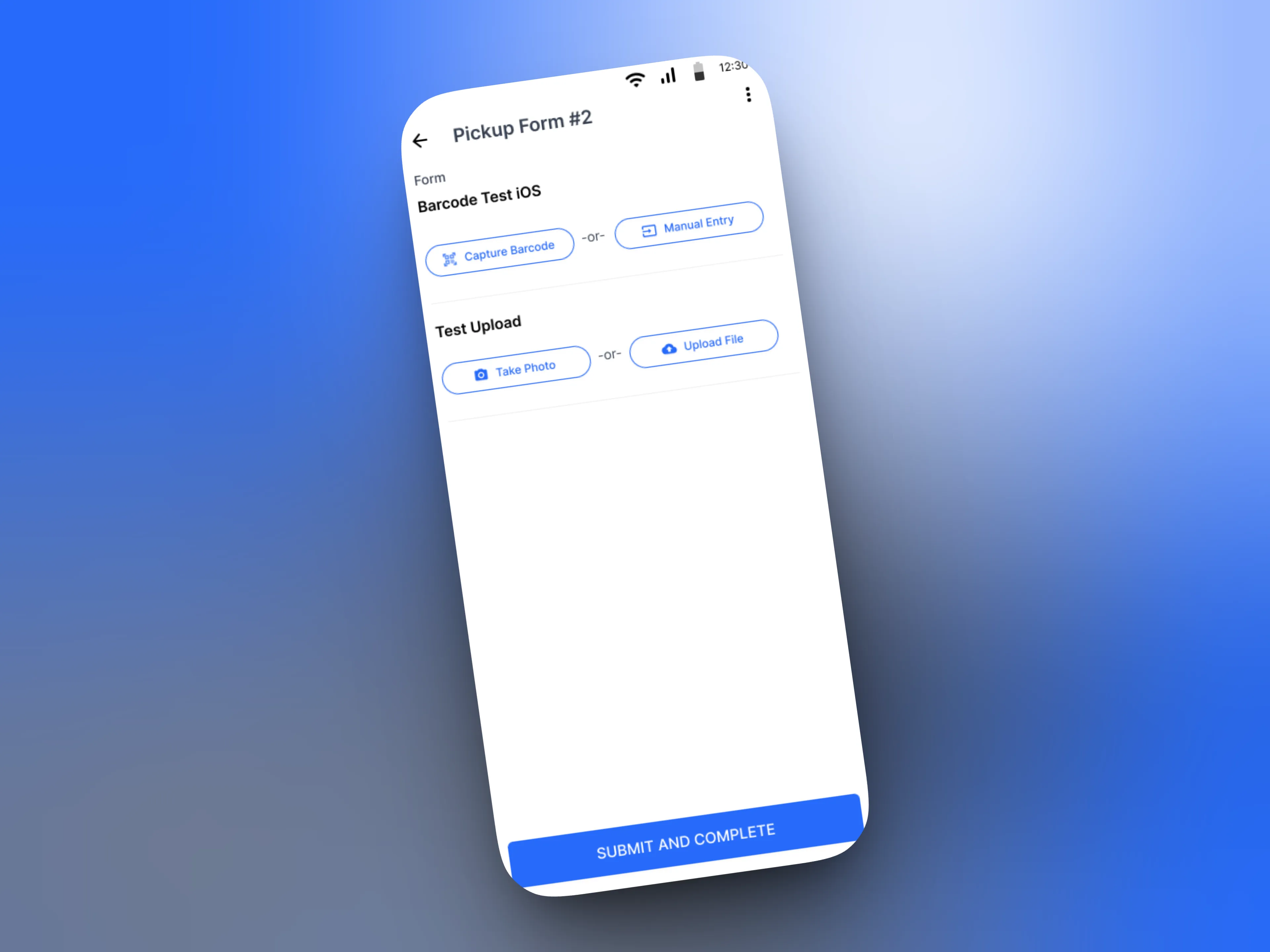
Form completion with photo capture and signature collection at stop level.
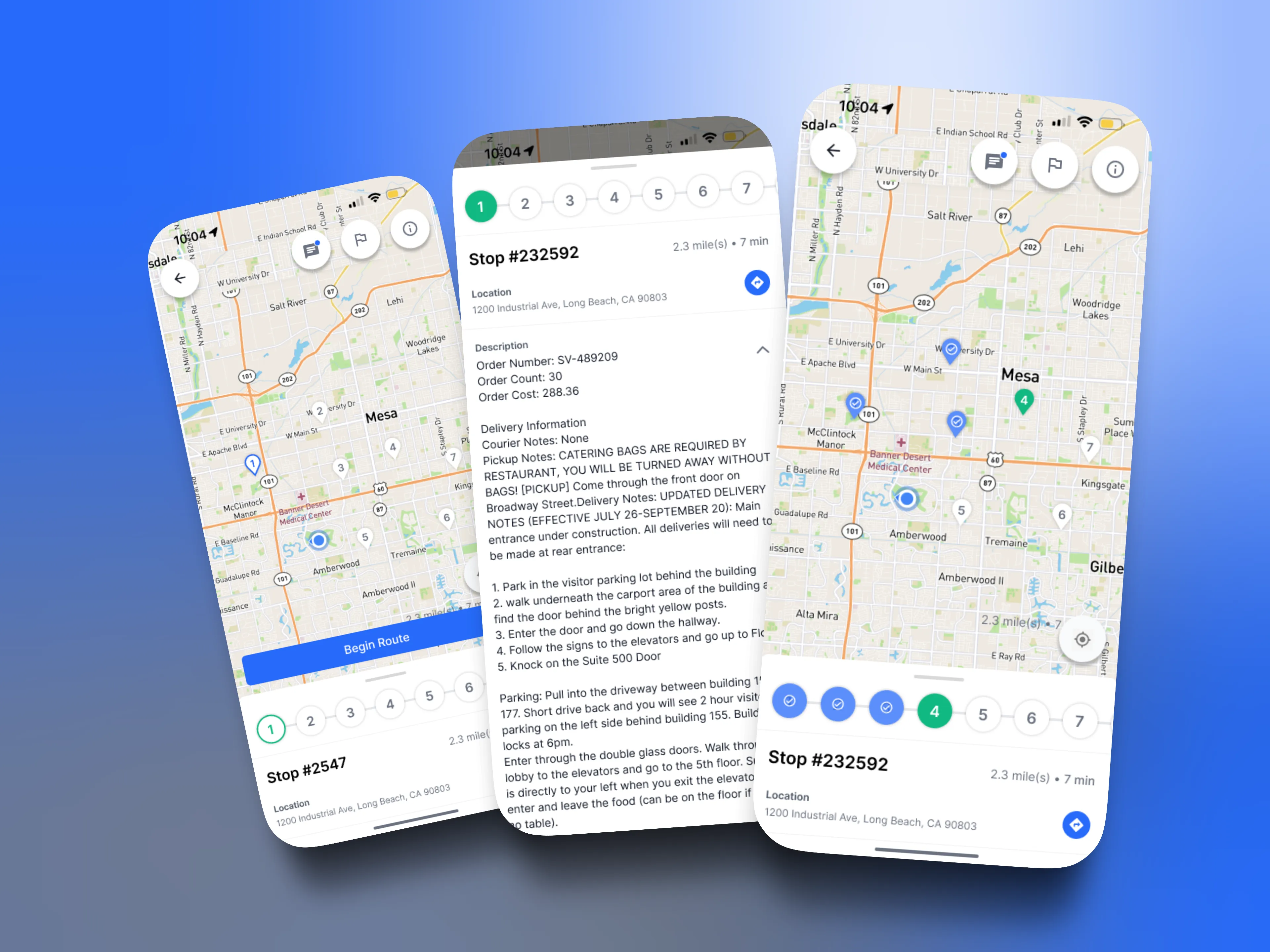
Mobile driver experience showing route overview, detailed stop information, and in-progress route execution.