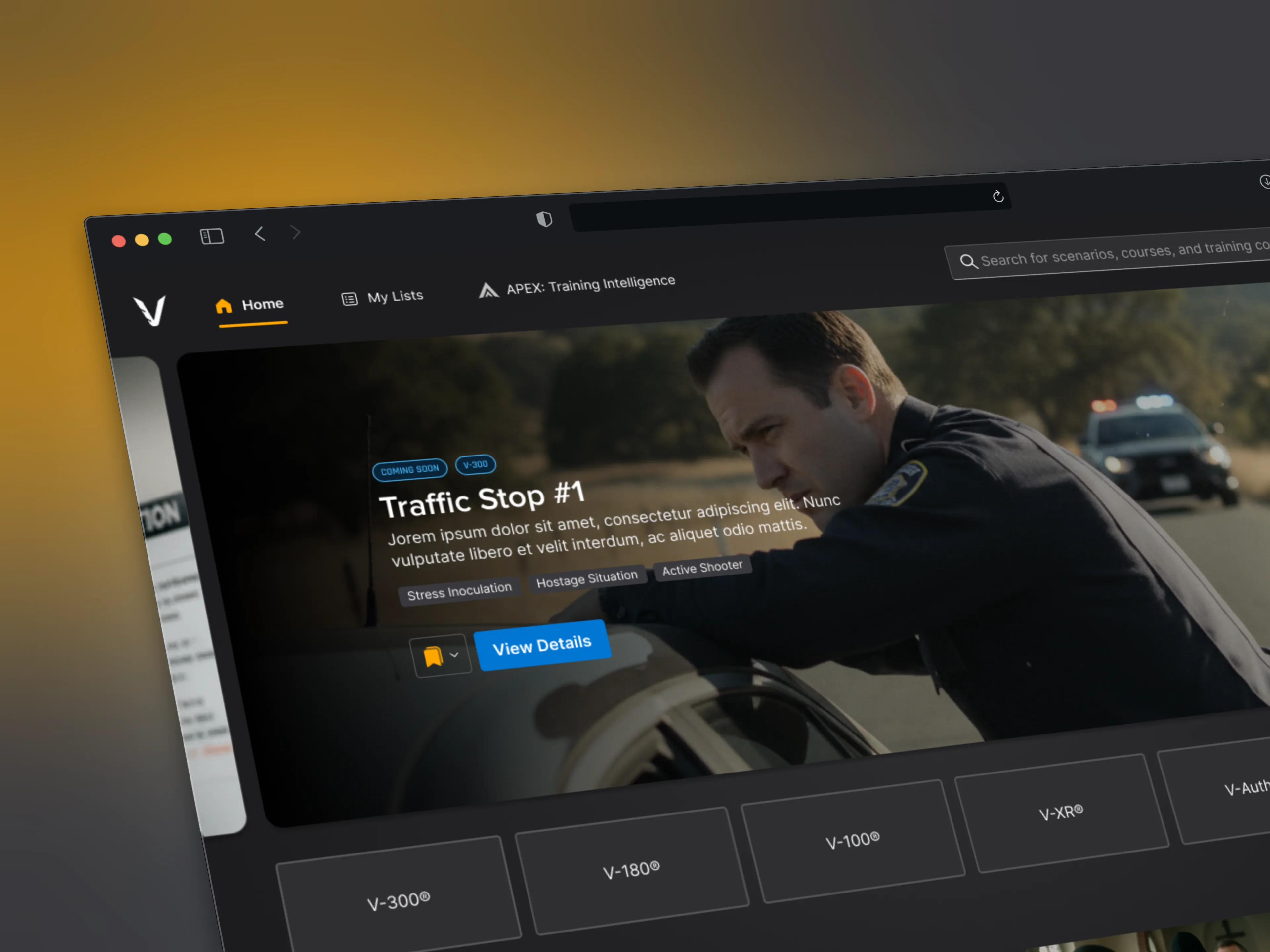
APEX: Training Intelligence

Introduction

Introduction

A training intelligence platform designed to help instructors plan, run, and evaluate training through data.

Company

Vialytics

Year

2024 - 2025

Platform

Desktop Application

Role

Product Design • UX/UI

Scope of work
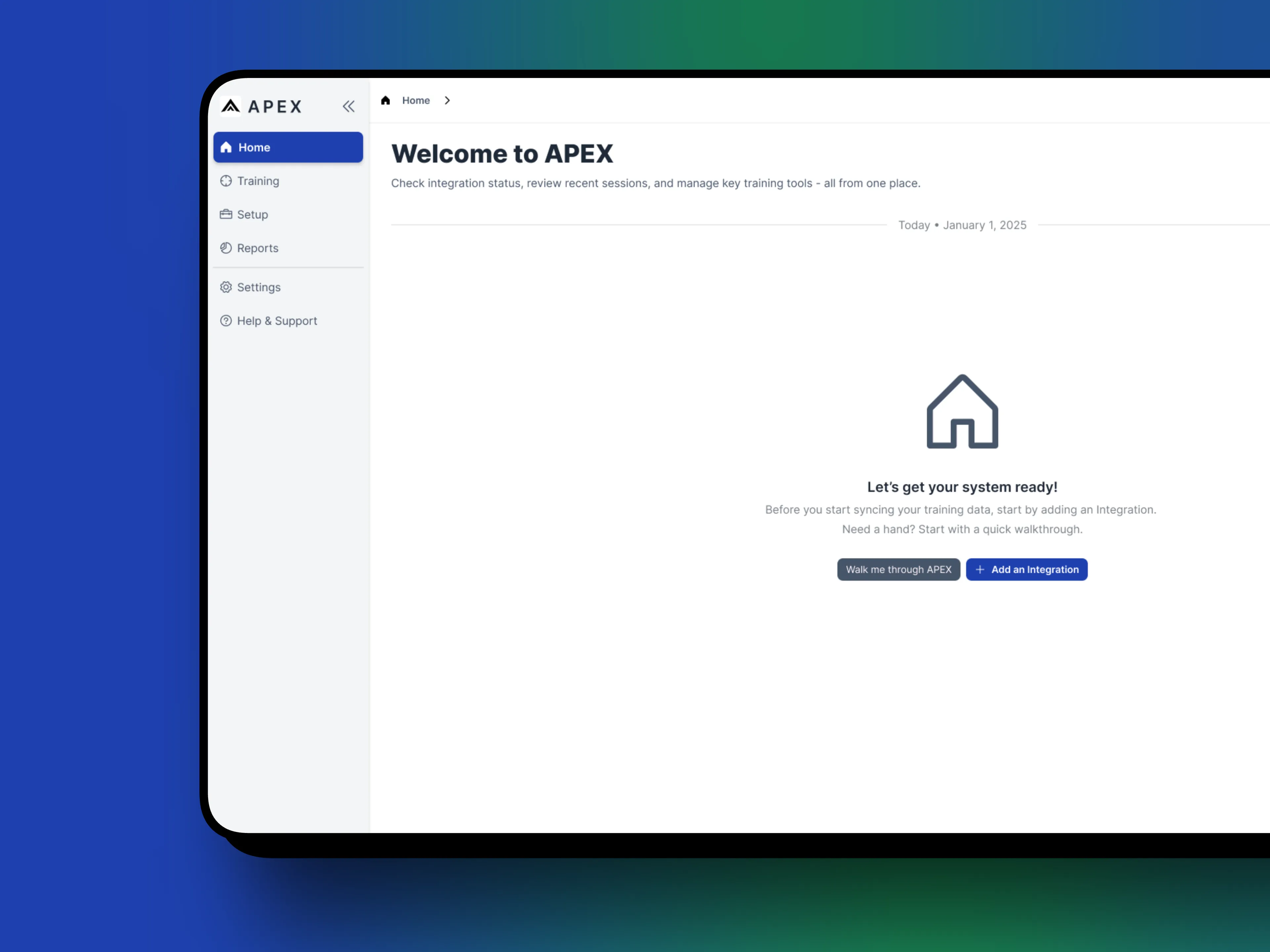
New Product • Dashboards • Analytics • MVP Launch

Challenges

Challenges

Training programs generate a significant amount of data but without structure, that data is difficult to act on.

Instructors needed a way to:

  • Plan and schedule training sessions

  • Track completed sessions over time

  • Understand how trainees were improving after training not just during it

At the same time, administrative and leadership roles needed higher-level insight into training effectiveness to better understand outcomes and justify investment.

The challenge wasn’t collecting more data, it was making training results understandable, actionable, and useful for different audiences with different goals.

Establishing the Mission

Establishing the Mission

Defining what “training intelligence” should mean.

Design for organization

APEX was built to bring structure to complex training programs. Sessions, tasks, and schedules were organized into a clear system that allowed instructors to plan, manage, and review training without friction.

Surface meaningful data

The platform focused on making post-training data understandable and actionable. Key metrics and trends were prioritized visually, helping instructors and admins quickly assess performance and improvement over time.

Support real workflows

Features and layouts were informed by how instructors actually plan and run training. The system accommodated recurring sessions, variations in training types, and different levels of oversight without adding unnecessary complexity.

Balance clarity with depth

Dashboards were designed to communicate insights at a glance, while allowing deeper exploration when needed. The goal was to reduce cognitive load while still supporting detailed analysis and decision-making.

From the start, APEX was approached as a system, not a collection of disconnected dashboards. The goal was to support the full training lifecycle: before, during, and after a session.

Early work focused on defining what information actually mattered at each stage. Planning views needed to help instructors stay organized. Live and completed sessions needed to be easy to track. Post-training views needed to surface patterns, progress, and opportunities for improvement without overwhelming users with raw data.

This required balancing two perspectives:

  • Instructors, who care deeply about individual and group improvement

  • Administrators, who need a broader view of performance and outcomes

Rather than designing for every possible metric, the interface emphasized clarity and hierarchy, surfacing the most meaningful signals first, with deeper detail available when needed.

Key Workflows

Key Workflows

Planning & Scheduling

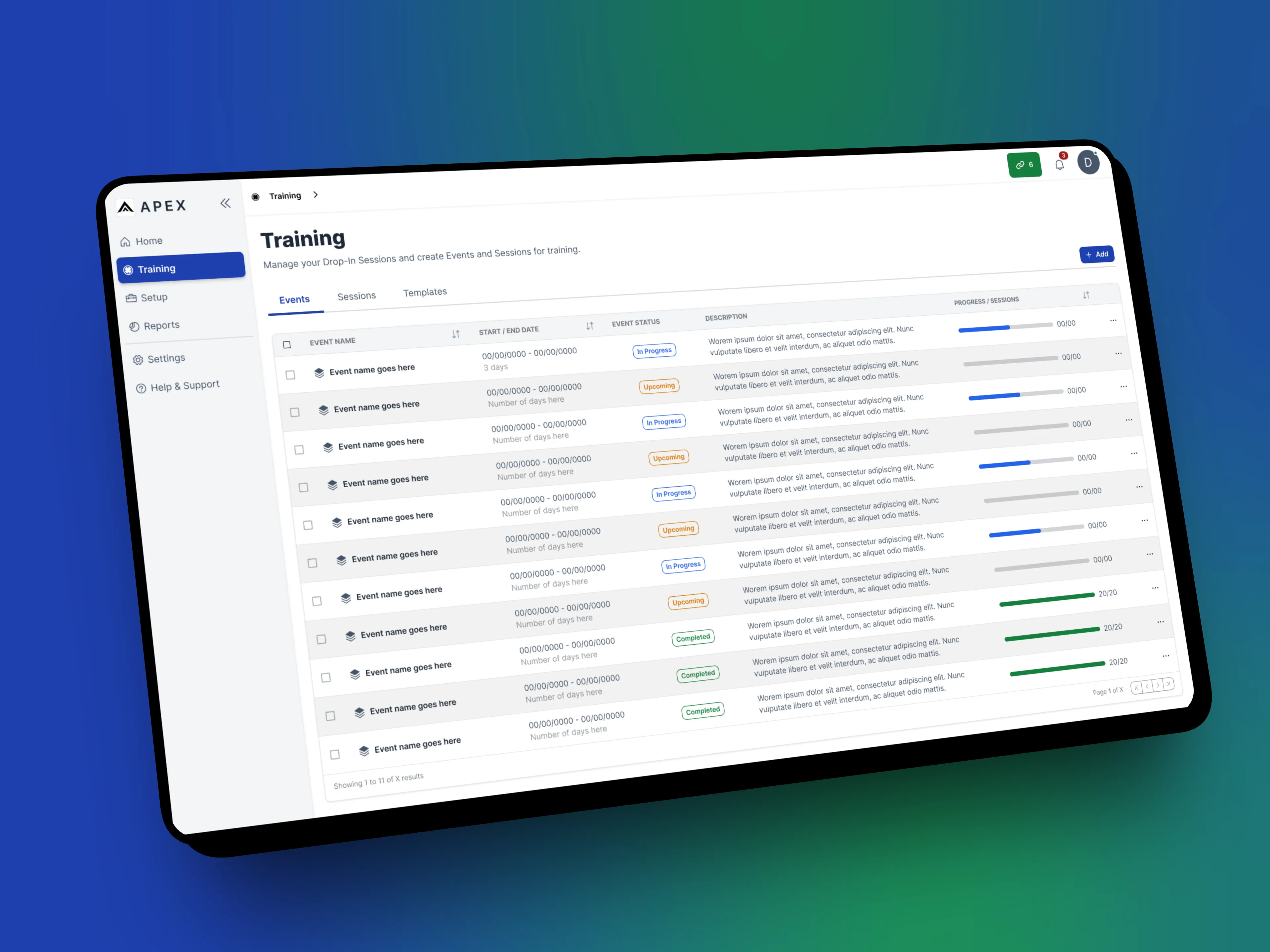
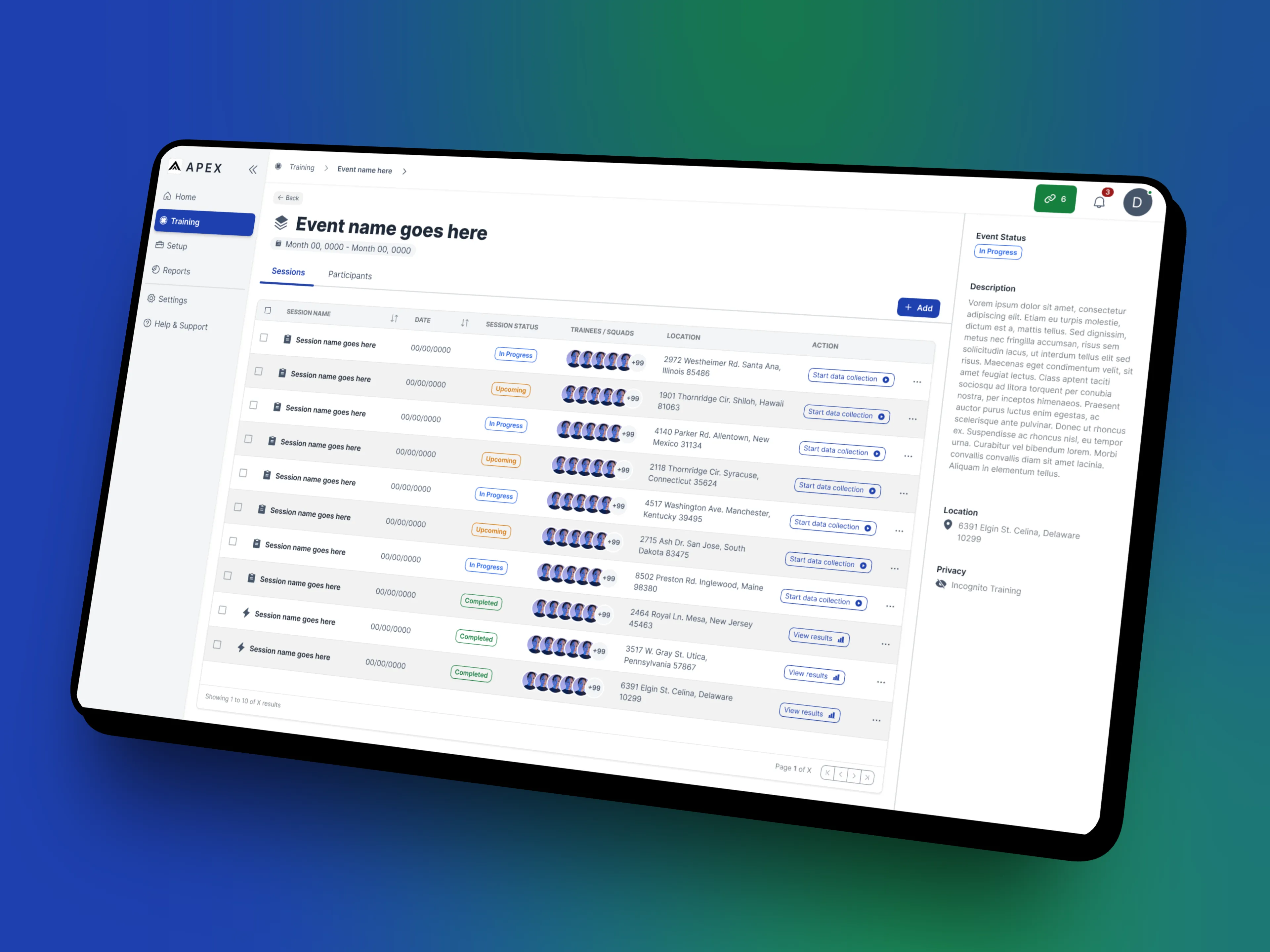
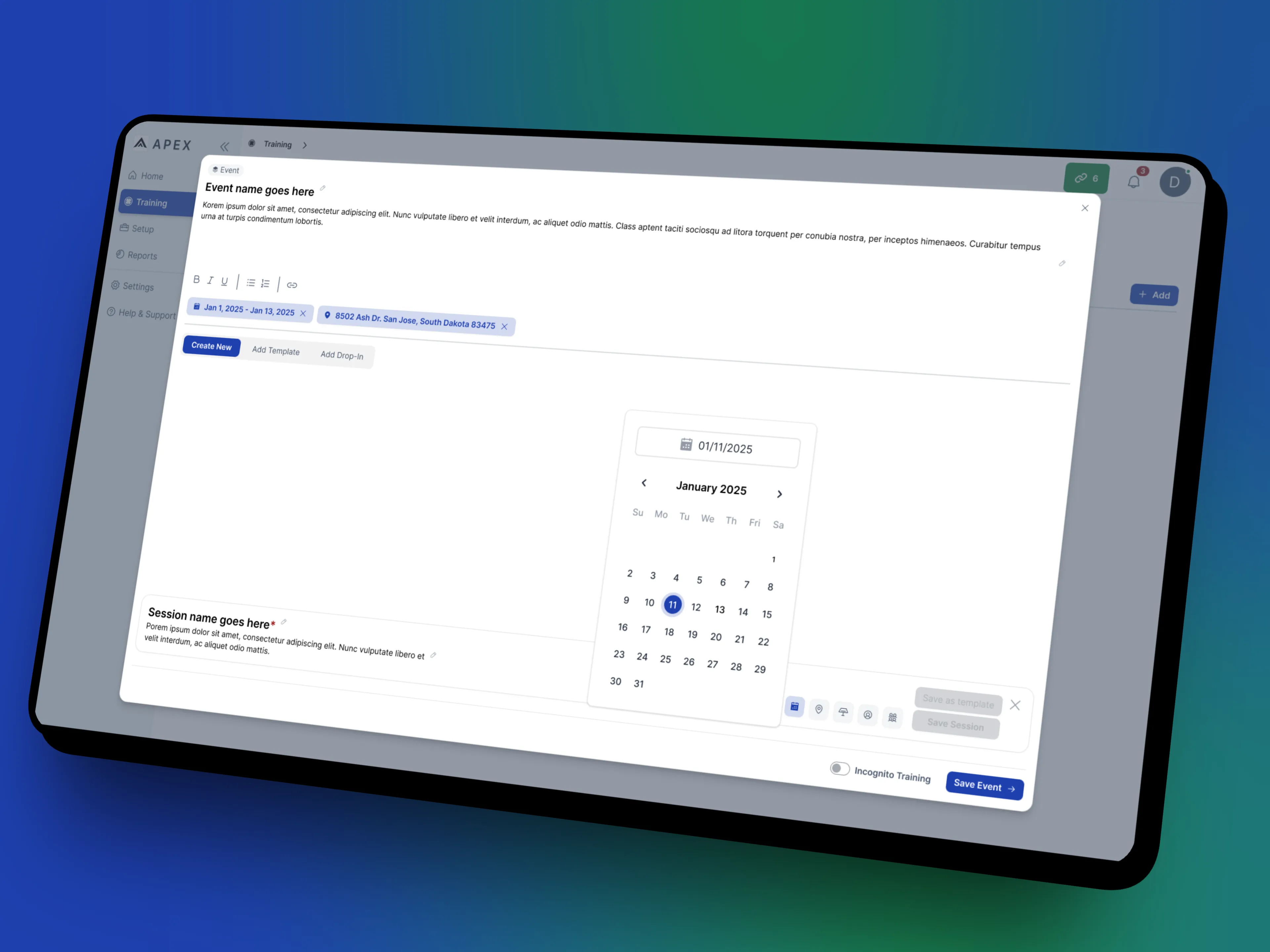
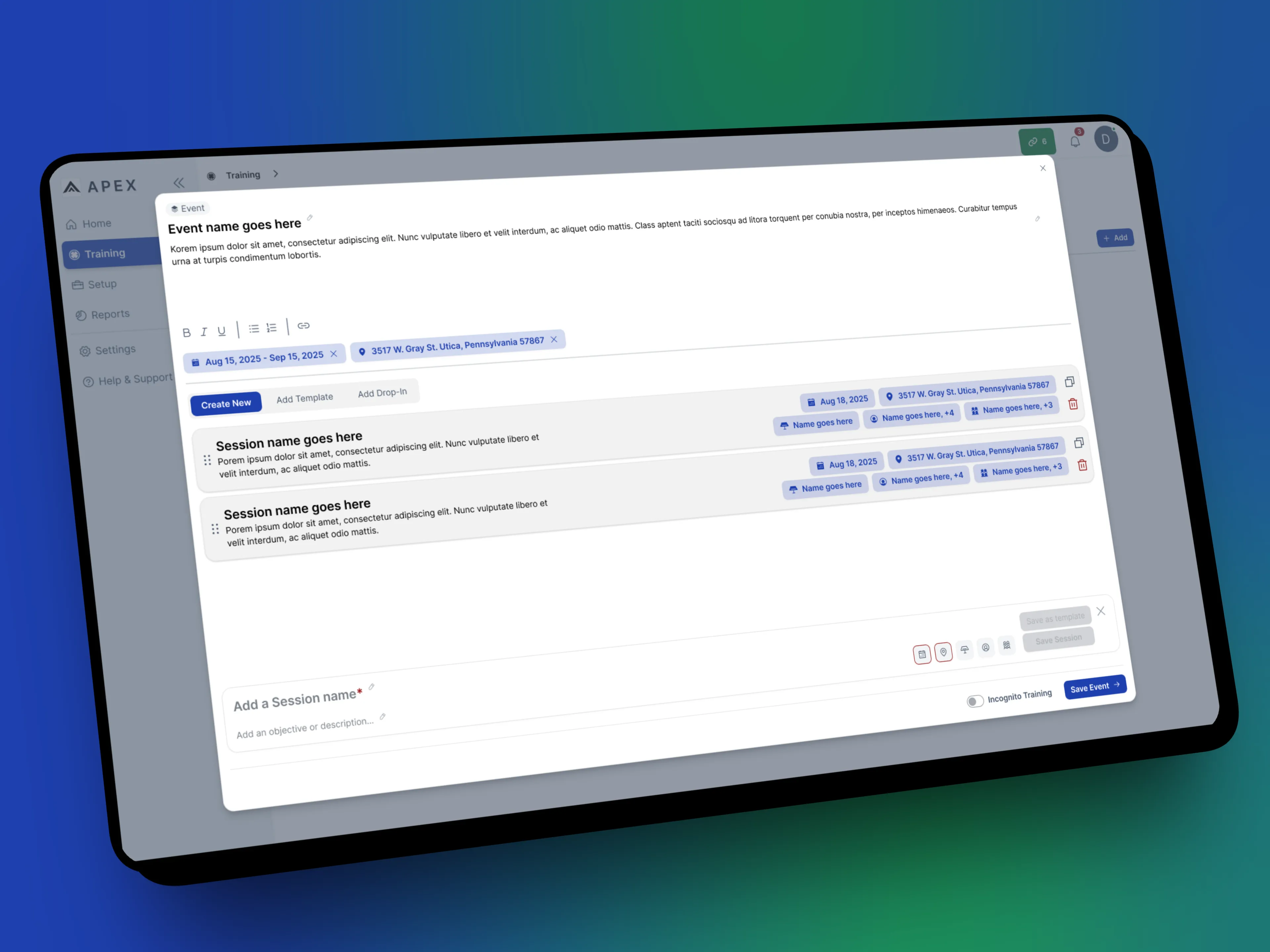
Instructors can organize upcoming training sessions through a structured scheduling flow that keeps planning lightweight and predictable. Sessions are easy to create, review, and adjust, reducing friction before training even begins.

Training Sessions

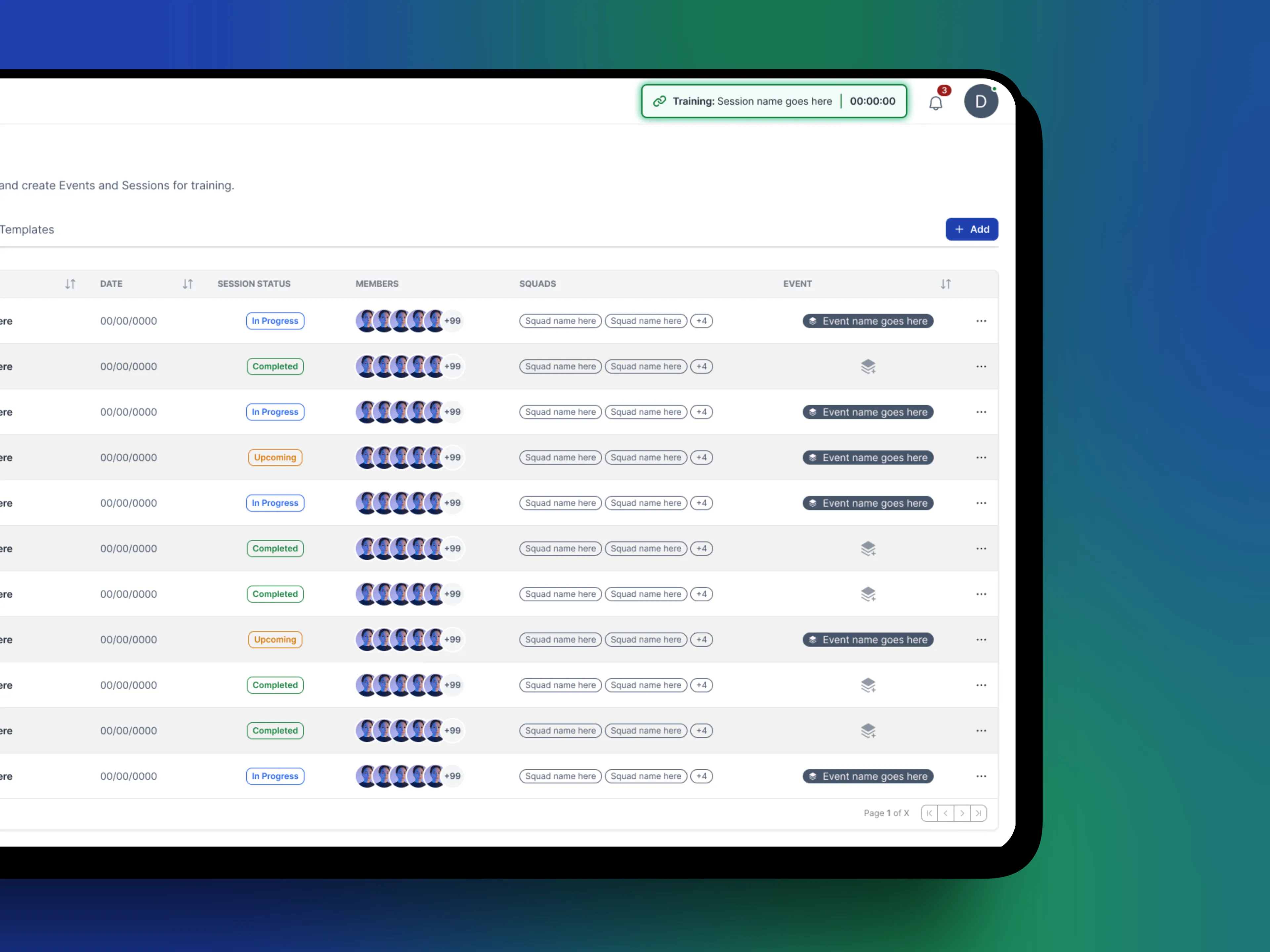
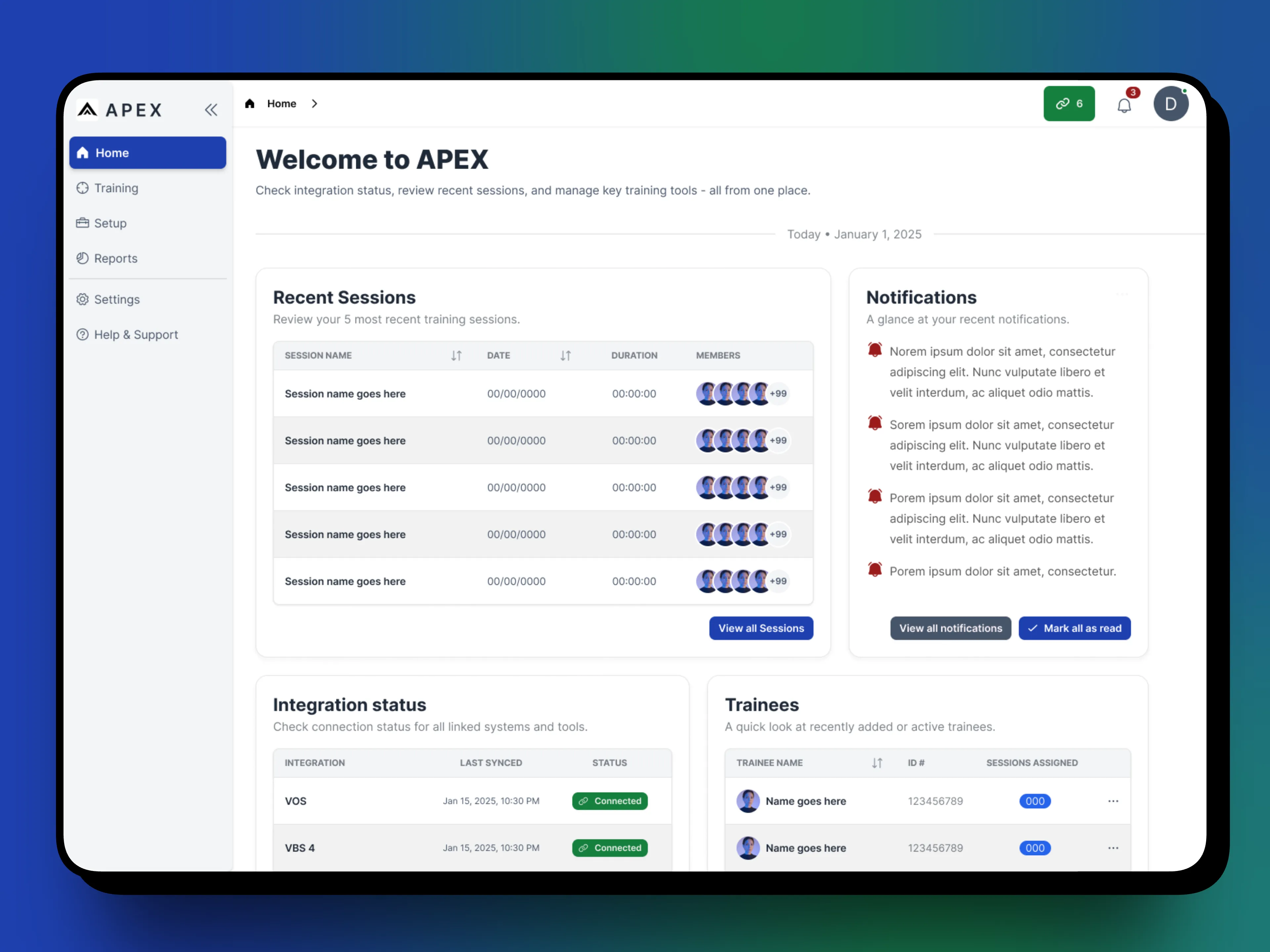
Active and completed sessions are centralized, giving instructors a clear view of what’s happening now and what has already taken place. This organization supports continuity across sessions and reduces reliance on manual tracking or external tools.

Post Training Insights

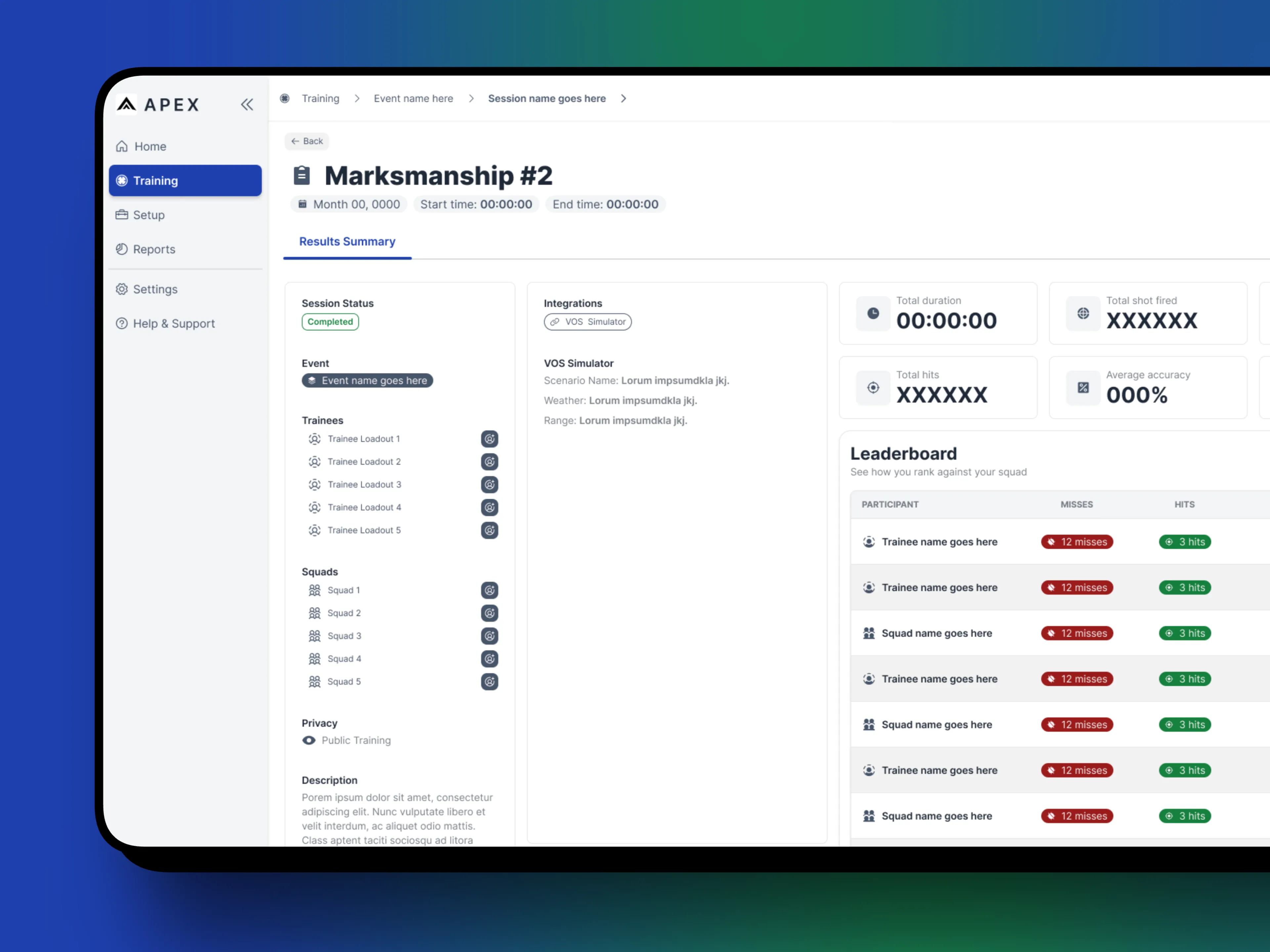
The most important moment in APEX happens after training.

Dashboards focus on helping instructors understand how trainees are progressing over time, highlighting trends, improvements, and areas that may need attention. Rather than presenting dense tables of numbers, visual hierarchy and grouping were used to make patterns easier to recognize at a glance.

Dashboard & Data Design

Dashboard & Data Design

Dashboard & Data Design

APEX placed a strong emphasis on how data is presented, not just what data is available.

Design for the system

Decisions were made at the system level first, ensuring consistency across features, screens, and future additions.

Built with contraints in mind

Design choices accounted for technical realities, release cadence, and real-world usage, not idealized scenarios.

Optimize for real users

Interfaces were evaluated based on clarity, responsiveness, and ease of use during live training sessions.

Flow over screens & devices

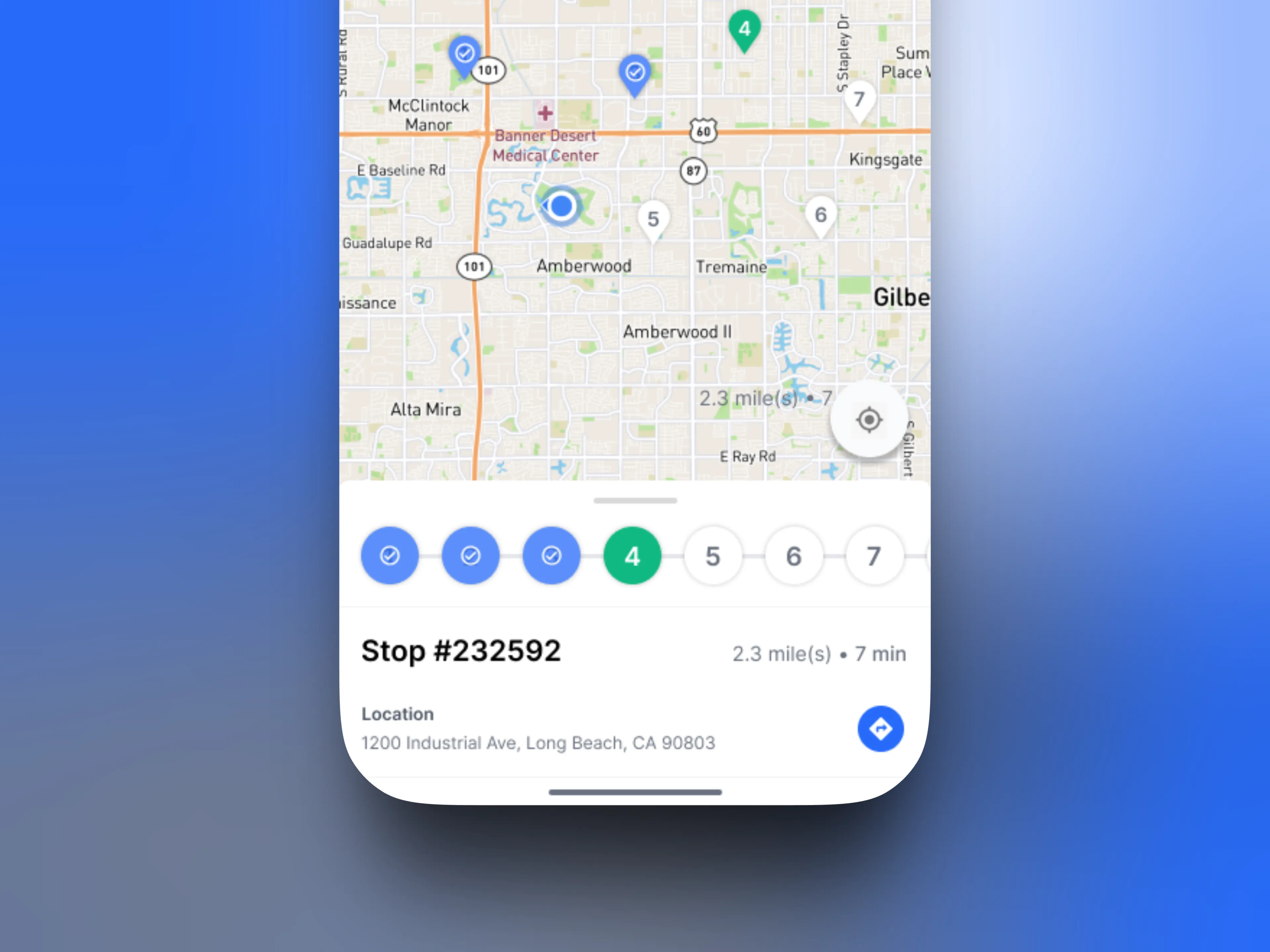
The tablet and VR interfaces were designed as one continuous experience, not two separate products.

Through this project, I learned that instructors don’t want more metrics, they want clear signals. The dashboards were designed to:

  • Prioritize actionable information

  • Reduce cognitive load

  • Support reflection and follow-up decisions

This required restraint. Not every data point needed to be visible at once. By designing dashboards around how instructors actually review training outcomes, the interface supports insight rather than analysis fatigue.

Beta Launch & Outcomes

Beta Launch & Outcomes

APEX was launched as a beta product based on the experience and flows designed during the initial phase of the project. The work established a clear foundation for how training intelligence could be structured and visualized across the platform.

While development continued beyond my direct involvement, the beta launch validated the core concept: instructors and administrators needed a centralized, data-driven way to understand training beyond individual sessions.

Final thoughts

Final thoughts

APEX was a meaningful contrast to other projects I worked on at VirTra. While V-XR and Content Intelligence focused heavily on real-time interaction and content discovery, APEX centered on organization, structure, and reflection.

Designing APEX reinforced the importance of systems thinking in SaaS products, especially when dealing with complex data. It also deepened my understanding of how instructors evaluate training success, and how thoughtful data visualization can support better decision-making without overwhelming users.

Even as an early-stage product, APEX represents my approach to defining new platforms: start with clarity, design for real workflows, and let systems, not features drive the experience.

space cowboy

Have a project in mind?

By submitting, you agree to our Terms and Privacy Policy.

© 2025 Space Cowboy Design

Let’s talk.

If you're working on a product or have a new idea, I'd love to hear about it.

Quick response.

If you’re ready to create and collaborate, we’d love to hear from you.

No pressure.

No pitches or sales, just a conversation.

space cowboy

Have a project in mind?

By submitting, you agree to our Terms and Privacy Policy.

Let’s talk.

If you're working on a product or have a new idea, I'd love to hear about it.

Quick response.

If you’re ready to create and collaborate, we’d love to hear from you.

No pressure.

No pitches or sales, just a conversation.

space cowboy

Have a project in mind?

By submitting, you agree to our Terms and Privacy Policy.

© 2025 Space Cowboy Design

Let’s talk.

If you're working on a product or have a new idea, I'd love to hear about it.

Quick response.

If you’re ready to create and collaborate, we’d love to hear from you.

No pressure.

No pitches or sales, just a conversation.